
How Digital Game Delivery Actually Works: A Straight-Talk Guide for PC Gamers


I still remember the last time I bought a game on disc. It was a scratched-up copy of a racing title, and half the install process was spent praying the disc reader wouldn’t choke halfway through. That world is basically gone now. If you’re buying PC games in 2026, odds are you’re doing it digitally — no shipping, no plastic case gathering dust on a shelf, no disc to lose.
But digital buying comes with its own confusion, especially if you’re new to it. Why do some seller’s hands you a product key while others hand you an entire account to log into? Is that even legitimate? Why is one copy of a game ₹4,000 and another copy of the same game is a fraction of that?
Let’s actually walk through it, in plain language, so you know exactly what you’re buying before you hit “checkout.”
What “digital delivery” really means
At its core, digital delivery just means you pay online and get access without waiting for a courier. No box shows up at your door. Instead, depending on what you bought, you’ll get one of a few things:
- A CD key / activation code
- Login details for a game account
- A short set of setup instructions
Once you’ve got that in hand, you download the game the same way everyone else does — straight from the official launcher. There’s no separate “cheap version” of the game files floating around somewhere. Everyone downloads the exact same install.
Why so many gamers have already made the switch
It’s fast. Most orders land within minutes, so you can be downloading before you’ve even finished your coffee.
It’s official. You’re pulling files from Steam, the EA App, Epic Games Launcher, Ubisoft Connect, the Rockstar Games Launcher, or the Xbox App — not some random mirror site.
It patches itself. Updates, bug fixes, and performance tweaks show up automatically through the launcher, so you’re not hunting for patch files.
It’s just safer. Grabbing installers from sketchy corners of the internet is how people end up with malware on their PC. Official launchers cut that risk out entirely.
So where do the files actually come from?
This trips people up more than anything else. A lot of buyers assume an account-based purchase means downloading some altered or repackaged version of the game. It doesn’t work that way — the game always comes from its official home:
| Platform | Official Launcher |
|---|---|
| Steam games | Steam |
| EA games | EA App |
| Ubisoft games | Ubisoft Connect |
| Epic Games titles | Epic Games Launcher |
| Rockstar games | Rockstar Games Launcher |
| Xbox games | Xbox App |
Same files, same updates, same security — no cracked installers, no tampered executables.
We don’t touch pirated or cracked copies. Full stop.
A store that’s actually trying to earn your trust doesn’t sell you cracked software, modified executables, or fake activation tools — and Hyrockers Gaming doesn’t either. Every single game we deliver comes straight from the official platform. That’s non-negotiable for us, because a cracked file isn’t just legally murky, it’s a real risk to your PC.
The four ways games are usually sold
Not every digital purchase looks the same. Here’s the breakdown.
1. Official game keys (CD keys)
This is the classic model: a unique code that you redeem on your own Steam, EA, Epic, Ubisoft, Rockstar, or Xbox account.
Once it’s redeemed, it’s yours — it sits in your library permanently (per the platform’s own terms), updates come automatically, and multiplayer works fine if the game supports it. If you want a game that’s genuinely, permanently part of your own account, this is the option to pick.
2. Full access accounts
Here you get the whole account — email, password, everything. Because you have complete access, how you manage that account from there is on you, based on whatever the product description spells out. It’s a different arrangement than “activation only,” and it gives you a lot more control over the account itself.
3. Offline activation
This is probably the most popular way people afford expensive single-player games without paying full price. The process looks like this:
- Log into the account you’ve been given, through the official launcher.
- Download the game directly from the official servers.
- Let it verify the files.
- Flip the launcher into Offline Mode.
- Play.
Because the launcher is running offline, more than one customer can use the same licensed account at different times without anyone bumping into each other. It’s a great fit for story-driven, single-player games where you don’t need to be online anyway.
4. Online activation
Some titles need an internet connection, or come with online features baked in. With this option:
- You log into the account you’re given.
- You stay connected while you play.
- Multiplayer might be available, depending on the specific product.
- You’ll get instructions tailored to that particular game.
The details vary a lot from game to game here, so always read the product page before buying.
Okay, but why is the account version so much cheaper?
This is probably the single most common question we get.
The short answer: a redeemed game key belongs entirely to you and only you. An activation account, on the other hand, is shared under clear usage terms. For offline activations specifically, several customers can use the same licensed account, just not at the same time, and everyone downloads the same official files before switching to offline play. Multiplayer usually isn’t part of the deal, since the account is set up for offline use.
Spreading that one license across several customers is exactly what brings the price down — which is how you end up paying a fraction of retail for a AAA title you mostly want for the campaign.
“Will my account get banned?”
Fair question, and one worth asking before you buy anything.
If you bought a key and redeemed it to your own personal account, you’re just following the platform’s normal redemption process — nothing unusual there. If you’re using an activation-based account, stick to the instructions that came with it. Don’t go changing account details or ignoring the setup steps you were given. Following the guidelines that come with your purchase is really the best way to keep things running smoothly.
Is any of this actually safe?
Yes — as long as you’re buying from someone who’s earned your trust. Before you hand over your payment details to any gaming store, it’s worth checking for:
- A secure, encrypted checkout
- HTTPS on the site
- A refund policy you can actually read and understand
- Support you can reach when something goes wrong
- Real customer reviews, not just polished testimonials
- Product descriptions that don’t leave anything vague
- A store that’s actually been around for a while
If a seller checks those boxes, that’s a good sign you’re in safe hands.
What it looks like to order from Hyrockers Gaming
1. Secure checkout — pick your game, pay through a secure gateway.
2. Verification — your payment gets verified automatically, no manual back-and-forth needed in most cases.
3. Instant delivery — most orders arrive right away, either as a key, full account credentials, or activation account details, delivered to your Hyrockers Gaming dashboard (and by email for eligible products). If instant delivery isn’t possible for some reason, a vendor steps in manually — that can take up to 48 hours, so we’d ask for a little patience there.
4. Download — install the right official launcher, log in with what you were given, and pull the game from the official servers.
5. Play — finish activation and you’re in.
The Hyrockers Gaming Launcher
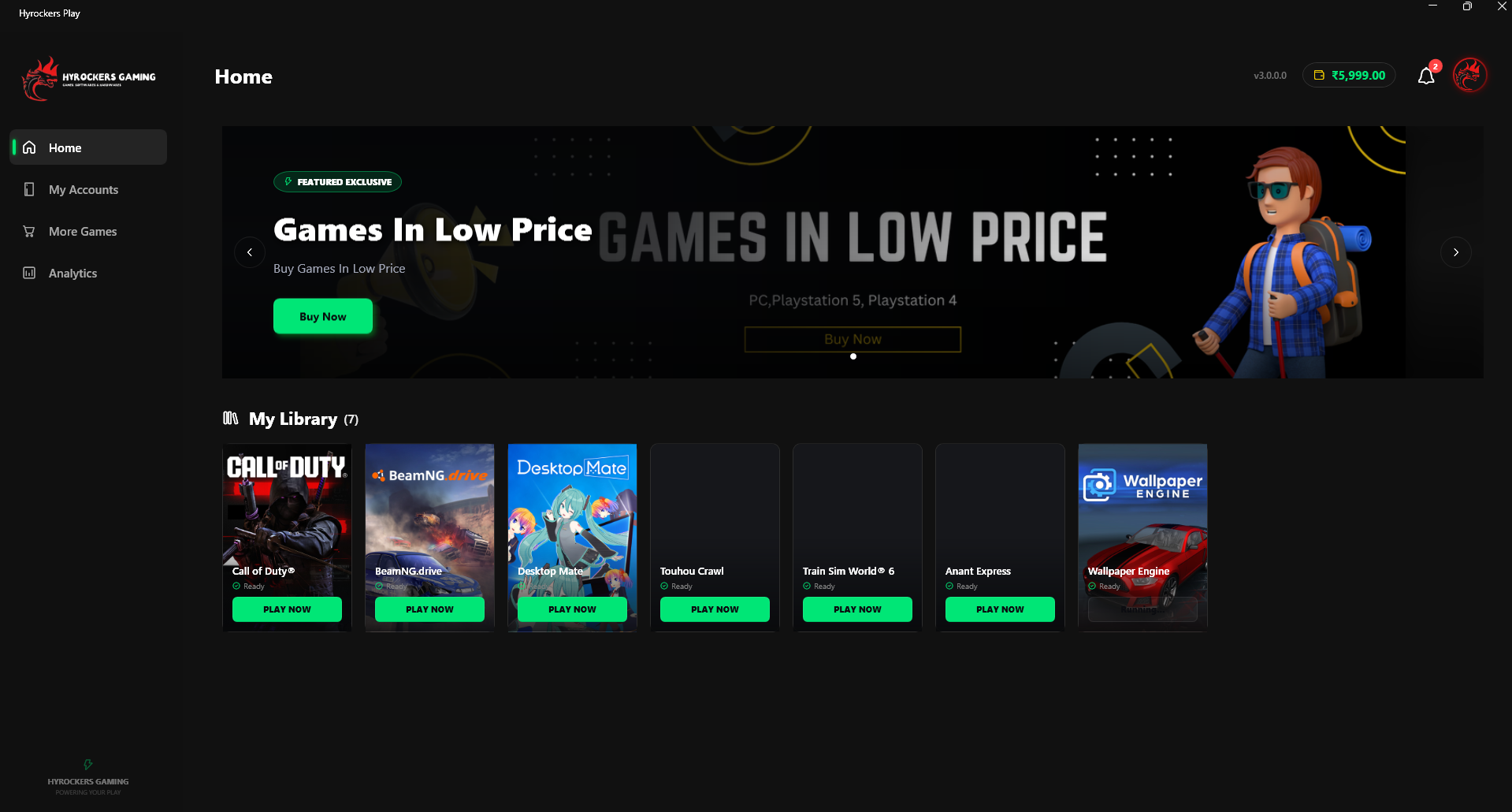
Juggling multiple account logins gets old fast, so we built our own launcher to take care of it. It syncs eligible purchases from your Hyrockers Gaming account automatically, keeps your library in one place, and handles login for you so you’re not typing credentials in every time you want to play. It’s a small thing, but it saves a lot of friction.
When something doesn’t go smoothly
Most orders go off without a hitch, but every store runs into the occasional snag — payment verification taking longer than expected, a sync delay, an activation hiccup, or a wrong product landing in your dashboard. If that happens to you:
- Reach out to support.
- Follow whatever troubleshooting steps they walk you through.
- If it still isn’t fixed, the product gets replaced or refunded based on our policy and what actually happened with your order.
The exact fix depends on what you bought and what support finds when they look into it.
A few tips before you buy from anyone
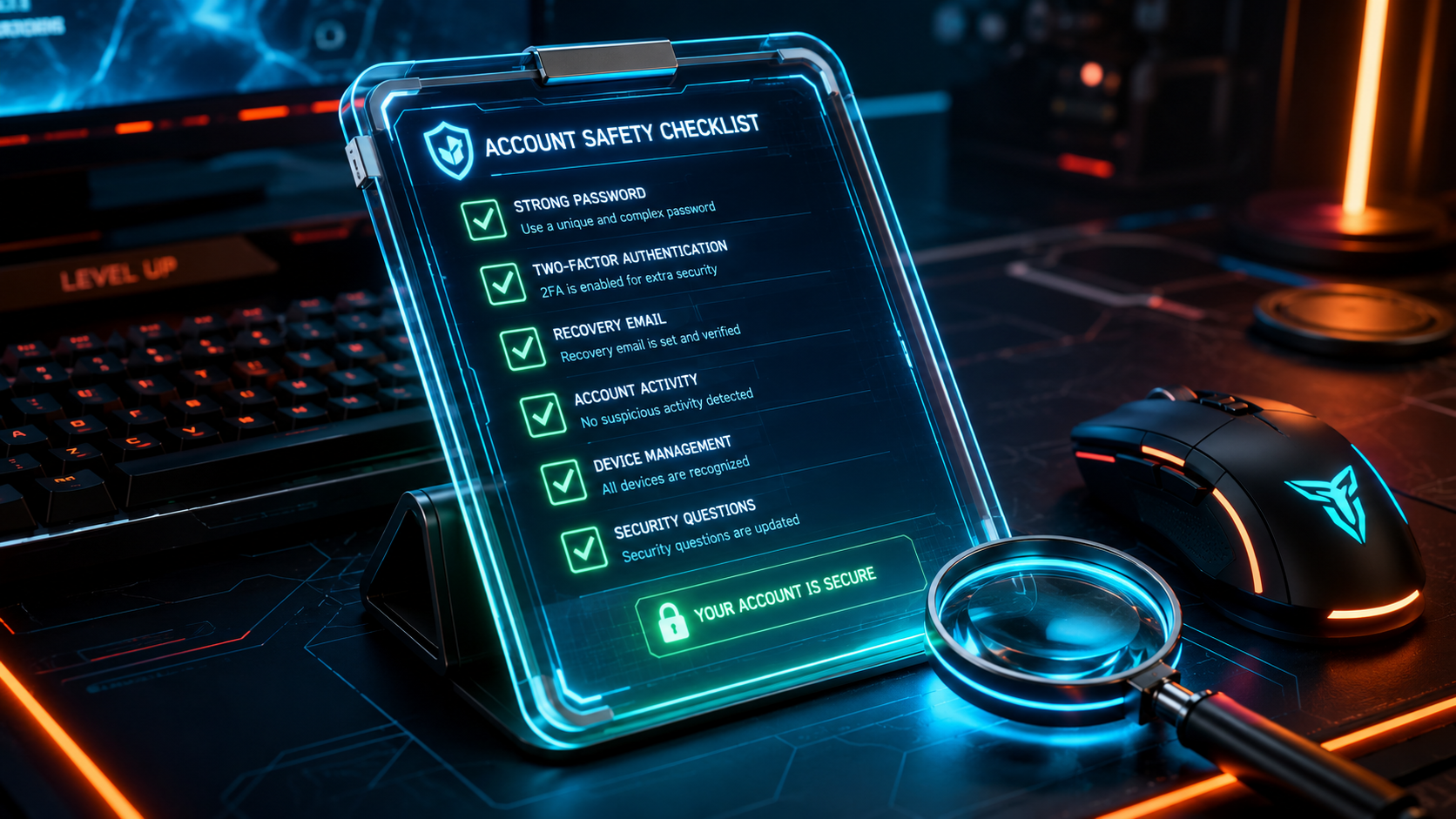
- Actually read the product description, not just the title.
- Know whether you’re buying a Key, Full Access, Offline Activation, or Online Activation — they’re not interchangeable.
- Double-check which platform the game runs on.
- Look at the refund policy before you need it, not after.
- Stick to sellers you trust.
- Follow the activation instructions as written.
- Hold onto your order details somewhere safe.
Two minutes of reading now can save you a headache later.
Quick answers to common questions
Is buying digital games like this legal? Buying from a legitimate seller is a normal, common way to access PC games these days. What rights come with it depends on the product type and the platform’s own terms, so it’s worth reading the product description before you buy.
Are the files I download official? Yes — they come straight from the official launcher tied to that game, every time.
Do I get a physical disc? No, everything here is delivered electronically.
Why is one copy of a game so much cheaper than another? Different delivery models. Activation-based products share the cost of a license across multiple users, which is what brings the price down compared to a personal key.
Can I play multiplayer on an offline activation account? Generally, no — offline activation is built for single-player. If multiplayer matters to you, check the product page for an option that supports it.
How long does delivery actually take? Most orders are instant. If there’s a delay, manual delivery can take up to 48 hours.
What if my activation doesn’t work? Contact support first — that’s always the fastest path to a fix. If it can’t be resolved, a replacement or refund is handled based on the situation and our policy.
Is my payment actually secure? Yes, payments run through secure gateways built to protect your transaction.
Bottom line
Digital delivery has made PC gaming faster and a lot more accessible than it used to be — but only if you understand what you’re actually buying. A key, a full account, an offline activation, an online one: each has its own trade-offs, and none of them is “better” across the board. It depends on what you want out of the game.
At Hyrockers Gaming, the goal has always been to keep that decision easy — clear product descriptions, official downloads only, secure payments, real support when you need it, and a launcher that takes the busywork out of managing your library. Take a minute to understand what you’re ordering, and the rest of the process should feel about as smooth as gaming should.